A real camera for the iOS Simulator.
Feed a still image, a video file, your Mac’s webcam, or a QR code straight into apps running in the Simulator — where Apple gives you nothing. A macOS menu-bar app and a faux CLI. Nothing left behind.
macOS 26 · Xcode 26 · MIT licensed
The iOS Simulator has no camera.
Any app that opens AVCaptureSession gets nothing. Scanning a QR code, capturing a photo, showing a live preview — none of it can be exercised without plugging in a physical device. FauxCam fills that gap.
Three sources. One fake camera.
Media
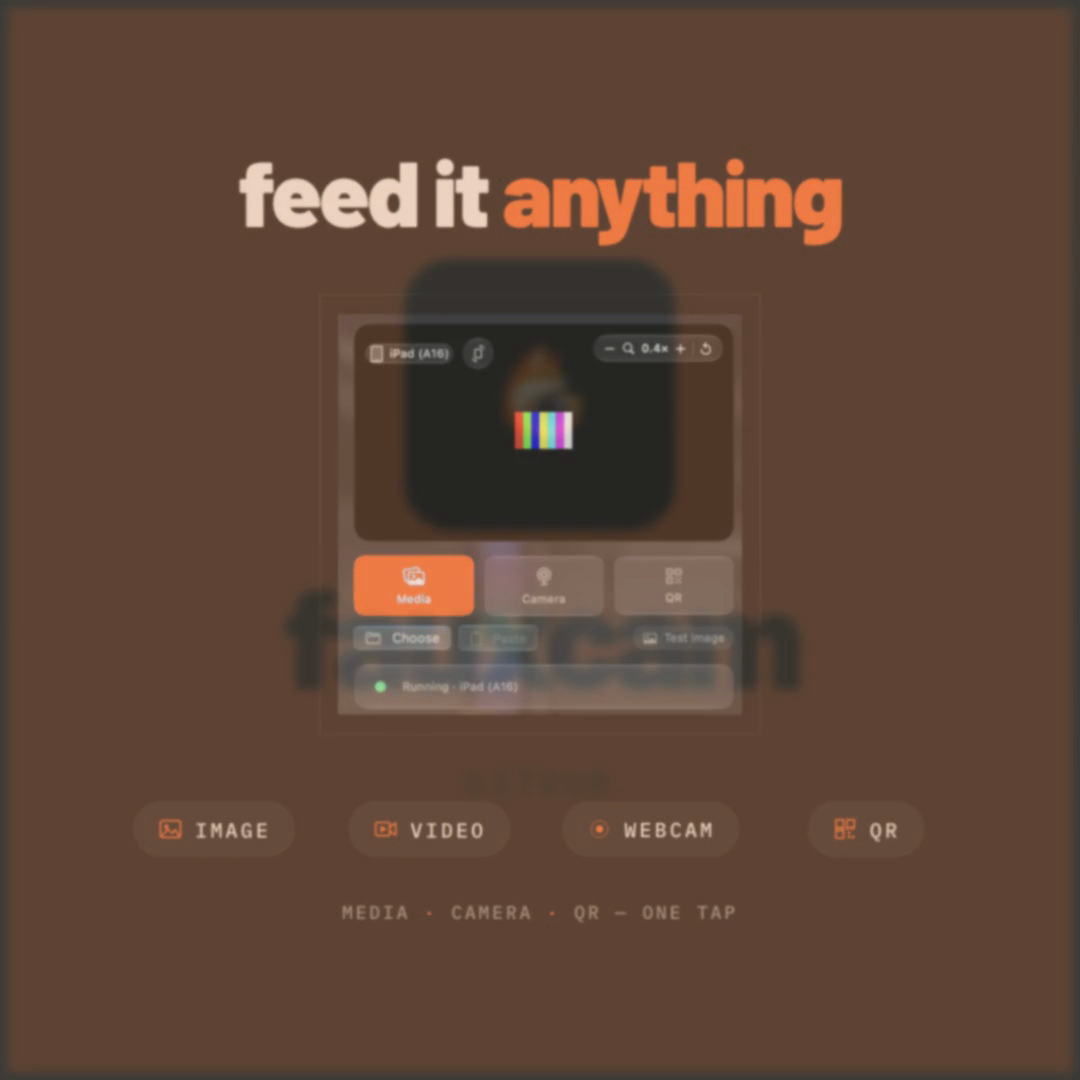
A still image or a video file, looped — drop in whatever your flow needs to see.
Camera
Your Mac's webcam or Continuity Camera, mirrored live into the simulated app.
QR
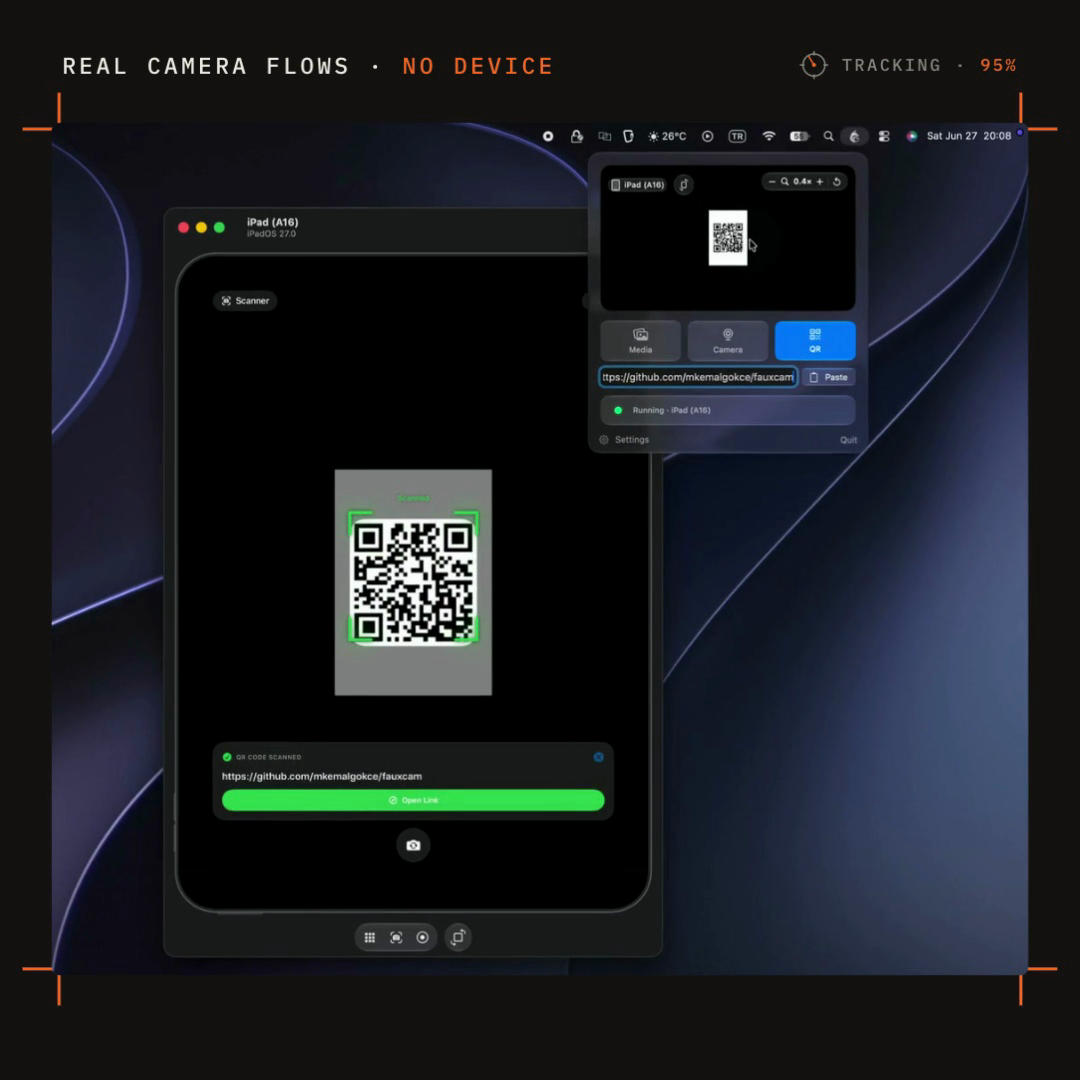
Encode any text or URL into a scannable QR code, rendered crisp for the scanner.
Frame exactly what the simulator sees.
The panel mirrors the exact frame each booted simulator receives. Compose it right on the viewfinder, switch the mirrored device from a glass picker, and flip portrait ⇄ landscape — the source re-renders to fit.
- Drag to pan
- Scroll or pinch to zoom
- Twist to rotate — snaps to right angles
Inject, swizzle, stream.
Inject
libFaux.dylib loads into the simulated process at launch via DYLD_INSERT_LIBRARIES — booted simulators are injected automatically, including apps you run from Xcode.
Swizzle
The dylib swizzles AVFoundation to vend a fake front/back capture device. Every swizzle falls through to the original on failure, so the host app never crashes.
Stream
The host streams BGRA frames over an AF_UNIX socket. Stop, and the app is terminated and the dylib unloaded — nothing is installed in the app or device.
All “Apple-fighting” risk is isolated in the swizzles — the wire protocol has a single source of truth in a shared C header compiled by both host and guest.
Install in a minute.
Released from v* tags as a Developer-ID-signed, notarized FauxCam.dmg.
- 1Download FauxCam.dmg from the latest v* release.
- 2Open the DMG and drag FauxCam.app to /Applications.
- 3Launch it. FauxCam runs as a menu-bar background agent (LSUIElement) — no Dock icon, no main window. Click its menu-bar icon to open the viewfinder panel.
Because the DMG is notarized and stapled, it opens with a normal double-click — no Gatekeeper workaround needed.
Download FauxCam.dmg
Ready when you are
Stop borrowing a real device.
Point a camera at your simulator and test the flows you’ve been skipping.